Oven Repair
Viking Oven Stuck in Lock Mode: How to Clear It
To get an oven out of lock mode, hold the padlock key for three to five seconds if the controls are dead, or let the oven cool after a self-clean so the door latch lets go by itself. A power reset at the breaker clears most of the rest.
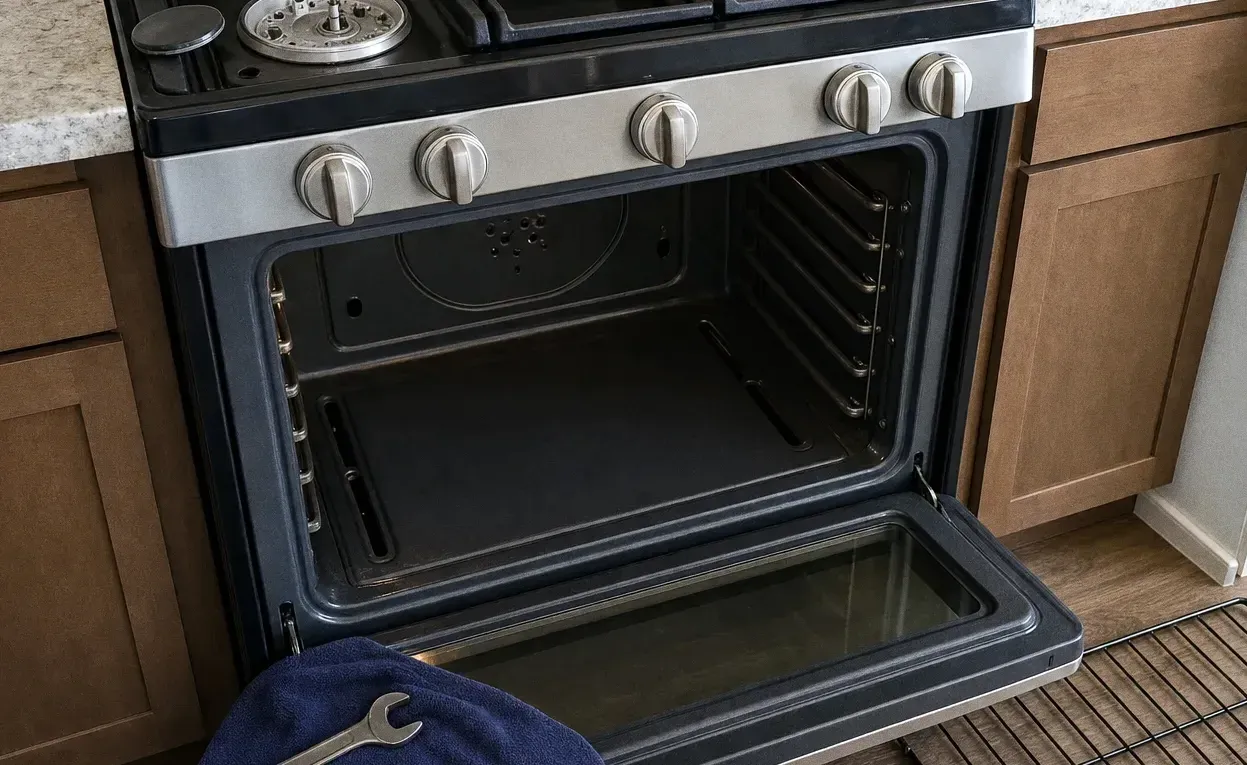
Getting an oven out of lock mode depends on which lock is on. If the keys ignore you but the door still opens, a control lock is set: press and hold the padlock key, or the key pair your manual names, for three to five seconds until the symbol goes out. If the door itself is latched after a self-clean, the answer is patience, because the latch releases on its own once the cavity has cooled. On a Viking 7 Series dual fuel range there is one documented exception, covered below, where a clean cancelled in its first 30 seconds leaves the door held shut.
Pro-style ovens built into cabinetry are heavy, hardwired and awkward to pull out, so ruling out a setting first saves a visit you may not need.
Work out which lock you are looking at
Three different things get called lock mode. Dead keys with a padlock on the display, while the door still swings open, mean a control lock. A door latched right after a clean is a normal cool-down hold. A long beep with an error message, or a door that stays shut once the oven is cold, is a genuine fault.
Clearing a control lock
A control lock exists so that children, pets or a cleaner wiping the panel cannot start the oven by accident. On most touch panels it is one key marked with a padlock; on others it is two keys pressed together. Hold, do not tap. A quick press is ignored by design, which is exactly why so many owners decide the panel has failed.
If holding the key does nothing, reset the power. A built-in wall oven normally has no plug to pull, so switch off its breaker, leave it off for a full minute, and switch it back on. Many controls wake up unlocked, though you may need to set the clock again. If the padlock comes back by itself, the touch panel or control board is the likely cause rather than anything you pressed.
When the door stays shut after self-clean
The latch on a cleaning cycle is a safety device, not a fault. The cavity runs far hotter during a clean than any bake setting, and the door stays held until the temperature falls to a safe level. Keep the kitchen ventilated, leave the oven alone, and allow an hour or more after the cycle ends. Cutting the power will not hurry the cool-down.
Never pry the door. The latch is moved by a small motor and a hooked arm, and forcing it bends one or strips the other. Our write-up on a Viking oven that stopped working after cleaning itself follows one of those cycles that went wrong.
The 7 Series dual fuel trap
Viking describes a specific case on its 7 Series dual fuel ranges. Cancel a self-clean within the first 30 seconds and the latch may not have finished travelling, so the door can stay locked with no cycle running. To release it, turn both oven knobs to SELF-CLEAN and wait until the bezel ring pulses yellow, then bring both back to OFF. Once the steady yellow light disappears, the door is free. Next time, give a clean more than half a minute before changing your mind.
Settings and messages that look like a lockout
Several modes make an oven ignore you on purpose, and none of them is broken.
- Sabbath mode. On Viking 5 Series and 7 Series electric wall ovens you enter it by holding the first control button for three seconds, turning the SET knob to SAb, and pressing the first button until ON appears, then the second button to leave the menu. An oven left in that state behaves in a deliberately limited way. Return to the same SAb setting to switch it off.
- Steam prompts. The MVSOC6301 steam oven will not run a steam function while it reads CLOSE THE DOOR, and it stops with a tone and CHECK WATER CONTAINER when a long cook runs dry. Refill the reservoir and press the Check Mark button. If it asks NEED TO EMPTY STEAM SYSTEM, pull the reservoir out as shown, press Check Mark, and wait for STEAM SYSTEM EMPTY.
- Too hot for the task. The VCSO210 combi oven refuses Microwave Defrost and Steam Proof with Oven is too warm to use, and the message clears as the cavity cools.
- Temperature limits. Those Viking wall ovens set from 200°F to 550°F, so a figure outside that window is a limit, not a lock.
Sensible defaults: control lock off unless small children are around, self-clean only when you will be home for the cycle and cool-down, and Sabbath off unless you observe it.
When the lock is a real fault
Some locks need a technician. On the VESO5302T and VEDO5302T touch-control ovens, a long beep with LATCH ERROR means the latch cannot lock or unlock, and RTD ERROR means the temperature sensor is open or shorted; both need service. On the VCSO210, EE on the display is a technical error for a technician. A door still latched when the oven is stone cold, a latch motor that hums without moving, or a padlock that returns after a reset all point the same way.
If the control board or touch panel has failed, that repair typically runs $360–$850, with a firm quote once the oven has been diagnosed. Finding the fault costs a flat $95, travel included, and that fee is deducted from the bill when you approve the work.
Viking Repair Newton looks after Viking ovens in West Newton, Auburndale, Newton Highlands and Newton Centre. Call (508) 785-6498, or read more about Viking oven repair.
Still asked on the phone
How do I unlock my locked oven?
Hold the control-lock key for three to five seconds if the keys are dead but the door opens, or wait for the oven to cool if the door latched after a self-clean. If neither works, switch the oven's breaker off for a full minute and back on before calling anyone.
Why is my oven saying lock?
An oven shows a lock because the control lock was switched on, often by a long accidental press on the padlock key, or because the door latched for a cleaning cycle and the cavity is still too hot to open. A Sabbath setting or a failing latch can produce a similar display.
Can I get an oven out of lock mode without the lock button?
Yes, a power reset often does it: turn off the oven's circuit breaker, wait a minute, then turn it back on. Built-in wall ovens are usually hardwired, so the breaker is the only practical off switch. If the lock reappears by itself straight afterwards, the control panel needs a technician.
Is it safe to force a locked oven door open?
No, prying the door is the one thing to avoid. After a self-clean the cavity can still be dangerously hot, and forcing it bends the latch arm or damages the small motor that drives it, which turns a short wait into a parts order. Let it cool, try a power reset, and call if it stays shut when cold.
How long does an oven stay locked after self-clean?
The door normally stays latched until the cavity has cooled to a safe temperature, which often means an hour or more after the cleaning cycle ends. A door that is still locked once the oven is cold to the touch is no longer a cool-down and points to the latch or the control.